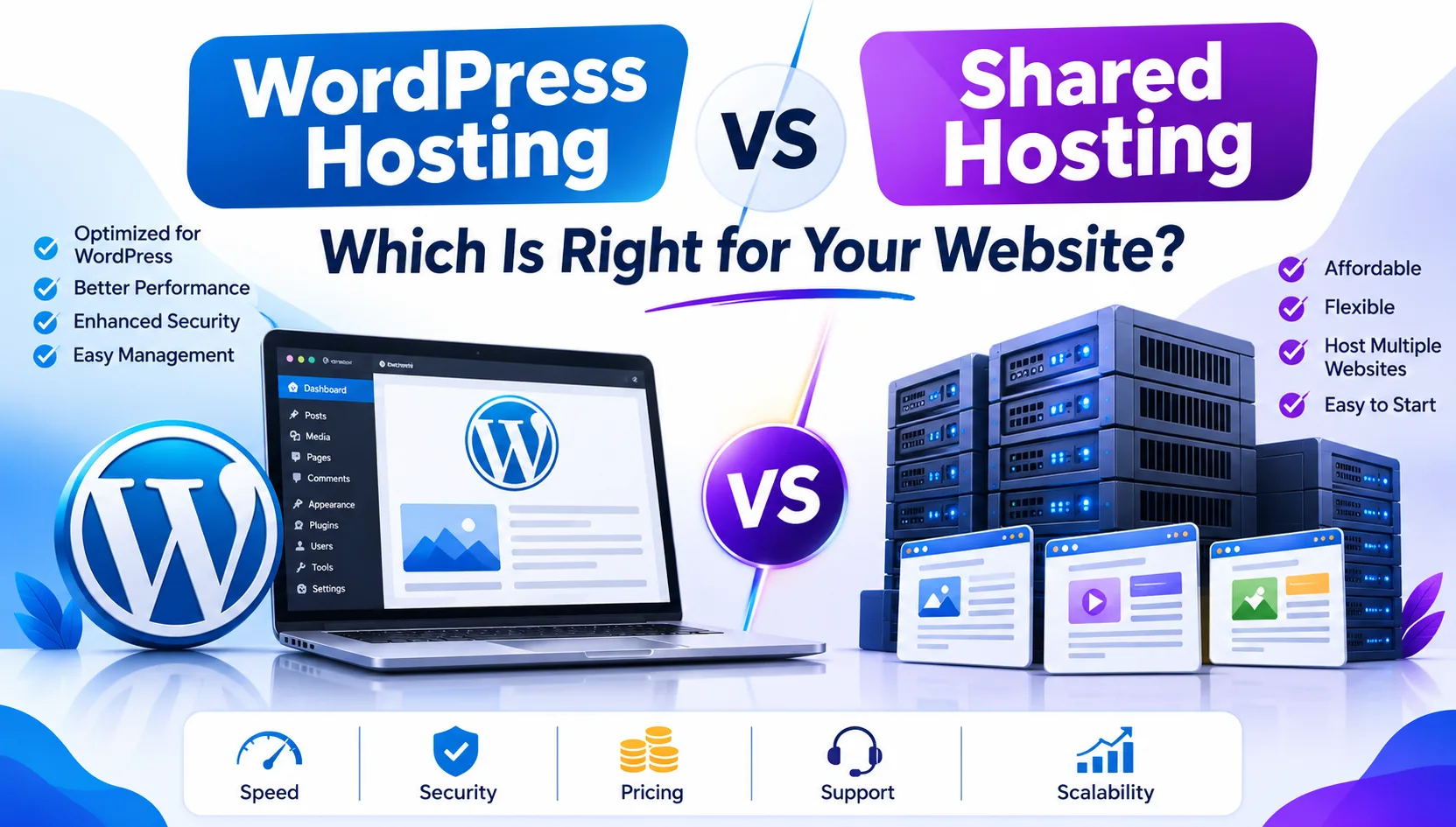
Choosing the right hosting service is one of the first important decisions when building a website. Whether you are starting a personal blog, launching a business website, or creating an online store, your hosting environment plays an important role in website speed, security, reliability, and overall performance.
However, when exploring hosting plans, you will often come across two popular options: WordPress hosting and shared hosting.
At first glance, both may look similar because they can host websites without requiring expensive server infrastructure. But there are some important differences in how they work, what features they provide, and who should use them.
So, WordPress Hosting vs Shared Hosting: Which Is Right for Your Website?
The answer depends on your website platform, technical knowledge, expected traffic, budget, and future requirements.
In this guide, we will explain both hosting options, compare their features, discuss their advantages and disadvantages, and help you choose the right solution for your website.
What Is Shared Hosting?
Shared hosting is a web hosting service where multiple websites operate on the same physical server. These websites share server resources such as CPU, RAM, storage, and bandwidth according to the hosting provider's resource limits and policies.
It is one of the most affordable ways to get a website online, making it popular among beginners, freelancers, small businesses, and bloggers.
For example, if you purchase a shared hosting plan, your website will be hosted on a server that may also contain hundreds of other websites.
You do not need to manage the server yourself. The hosting company generally takes care of server maintenance, hardware management, and basic infrastructure security.
Key Features of Shared Hosting
Affordable pricing: A budget-friendly option for individuals and small businesses.
Easy management: No advanced server administration knowledge is required.
Multiple website support: Some plans allow you to host more than one website.
Control panel access: Manage files, databases, emails, and domains through cPanel or another supported control panel.
Email hosting: Create professional email accounts when included in the plan.
SSL support: Install an SSL certificate to secure your website.
Application flexibility: Host supported platforms such as WordPress, PHP websites, and other compatible applications.
Advantages of Shared Hosting
Shared hosting is a practical choice for people who want to launch a website without investing heavily in infrastructure.
Its biggest advantage is affordability. You can start with a basic plan and upgrade as your website grows.
It also provides flexibility because you are not restricted to WordPress. You can install other supported CMS platforms or develop custom PHP websites.
Disadvantages of Shared Hosting
Since multiple websites use the same server infrastructure, performance can sometimes be affected by resource consumption from other accounts.
Other limitations may include:
Limited CPU and RAM allocation.
Restricted server-level configuration.
Performance fluctuations during busy periods.
Limited control over advanced server settings.
Features and backup facilities that vary between providers.
These limitations depend on the hosting provider and the resources allocated to each account.
What Is WordPress Hosting?
WordPress hosting is a hosting service designed specifically to run websites built using WordPress.
WordPress is one of the most widely used content management systems, allowing users to create blogs, business websites, portfolios, membership platforms, and online stores without building everything from scratch.
A WordPress hosting environment is configured to support WordPress requirements and may include additional tools that simplify website management.
Depending on the hosting provider, WordPress hosting may offer automatic WordPress updates, specialised security configurations, staging environments, caching, and WordPress-specific technical support.
It is important to understand that WordPress hosting is not always a separate server technology. Many WordPress hosting plans also operate on shared server infrastructure.
The main difference is the WordPress-focused configuration and additional management features.
Key Features of WordPress Hosting
WordPress compatibility: Hosting configuration designed to support WordPress.
Automatic updates: Some plans handle WordPress core updates automatically.
WordPress security: Additional protection against common WordPress-related threats may be included.
Performance optimisation: WordPress caching and other optimisation tools may improve loading speed.
Easy installation: Install WordPress with a one-click installer or pre-installed setup.
Specialised support: Some providers offer technical assistance specifically for WordPress.
Staging environment: Selected plans allow you to test website changes before publishing them.
Advantages of WordPress Hosting
WordPress hosting can make website management easier, especially for people who regularly publish content or manage WordPress-based business websites.
You may receive tools that help improve performance, simplify updates, and reduce routine technical work.
Another advantage is specialised support. If your WordPress website experiences plugin conflicts, theme issues, or update problems, a WordPress-focused support team may be better equipped to help.
Disadvantages of WordPress Hosting
WordPress hosting is not the right choice for every website.
Some providers restrict applications other than WordPress. Certain plans may also limit specific plugins, resource usage, or server configurations.
Other possible disadvantages include:
Higher prices for managed WordPress services.
Restrictions on certain plugins or custom configurations.
Limited flexibility for non-WordPress applications.
Features that vary considerably between providers.
Additional costs for premium backups, staging, or security services.
If you want to run multiple types of websites, a standard shared hosting plan may offer more flexibility.
WordPress Hosting vs Shared Hosting: Key Differences
Now that we understand both services, let's compare WordPress hosting and shared hosting based on the factors that matter most when choosing a hosting plan.
| Comparison Factor | Shared Hosting | WordPress Hosting |
|---|---|---|
| Main purpose | General website hosting | WordPress websites |
| WordPress support | Usually available | Specifically optimised |
| Pricing | Generally affordable | Varies by plan |
| Performance | Depends on server resources | May include WordPress optimisation |
| Security | Standard hosting protection | May include WordPress-specific security |
| Updates | Usually managed by the website owner | May include automatic updates |
| Backups | Depends on the plan | May include automated backups |
| Technical support | General hosting support | May offer WordPress specialists |
| Flexibility | Supports multiple applications | Primarily designed for WordPress |
| Best suited for | Blogs, business websites, and multiple applications | WordPress blogs, business sites, and WooCommerce stores |
The most important thing to remember is that WordPress hosting does not automatically mean faster or more powerful hosting.
A well-configured shared hosting plan can perform better than an entry-level WordPress hosting plan. Always compare actual server resources, performance features, and service limitations before purchasing.
Which Hosting Is Better for Website Speed?
Website speed directly affects user experience. Visitors generally prefer websites that load quickly, while slow-loading pages can increase the chances of visitors leaving before exploring your content.
Both shared hosting and WordPress hosting can deliver good performance when properly configured.
However, WordPress hosting may provide additional performance tools, including:
WordPress page caching.
Object caching on supported plans.
Optimised PHP configurations.
Content Delivery Network integration.
Database optimisation.
Server-side caching.
Shared hosting can also provide excellent website performance if the provider offers sufficient CPU, RAM, NVMe storage, and properly configured server infrastructure.
Our recommendation: If your website runs on WordPress and receives regular traffic, compare WordPress hosting plans with resource-rich shared hosting plans. Do not make your decision based on the hosting category alone.
Which Hosting Is More Secure?
Website security should never be ignored, regardless of the hosting service you choose.
Both hosting options can provide a secure environment, but the level of protection depends on the hosting provider and the security features included in your plan.
Shared hosting providers generally manage server-level security, account isolation, firewall configurations, and infrastructure updates.
WordPress hosting may provide additional features such as:
WordPress malware scanning.
Login protection.
Web application firewall integration.
Automatic WordPress updates.
Security monitoring.
Automated backup options.
However, WordPress website owners must also take responsibility for maintaining their websites.
Keep your themes and plugins updated, use strong passwords, avoid untrusted plugins, and maintain regular backups.
Security tip: Always check whether your hosting provider includes free SSL, malware protection, account isolation, and reliable backup facilities.
WordPress Hosting vs Shared Hosting: Which Is More Affordable?
Pricing is another important consideration, particularly for startups, freelancers, and small businesses.
Shared hosting is generally one of the most economical hosting options because server resources are shared among multiple customers.
WordPress hosting pricing depends on the level of optimisation and management provided.
Basic WordPress hosting may be priced similarly to shared hosting, while managed WordPress hosting can cost more because it includes additional services.
Consider these factors before choosing:
Initial hosting price.
Renewal charges.
Storage type and available capacity.
CPU and RAM limits.
Number of websites allowed.
Backup and restoration facilities.
Free SSL availability.
Customer support quality.
Do not select a hosting provider based only on the lowest introductory price. Check the renewal price and actual resource limits to understand the long-term cost.
When Should You Choose Shared Hosting?
Shared hosting is a good option when you want an affordable and flexible hosting solution.
You should consider shared hosting if:
You are launching your first website.
You have a small business website.
You want to host multiple PHP websites.
You are building websites for clients.
You need hosting for WordPress and other applications.
Your website has low to moderate traffic.
You want an affordable hosting solution with simple management.
For example, a local business launching a website with service pages, contact forms, company information, and a blog can comfortably start with a suitable shared hosting plan.
As traffic and resource requirements increase, you can upgrade to VPS hosting or another suitable hosting environment.
When Should You Choose WordPress Hosting?
WordPress hosting is a suitable option if WordPress is the primary platform you use to manage your website.
Consider WordPress hosting if:
You regularly publish WordPress blog articles.
You manage a WordPress business website.
You run an online store using WooCommerce.
You want WordPress-specific technical support.
You prefer automated maintenance features.
You need staging and backup tools.
You want a hosting environment designed around WordPress.
For example, an online publication that publishes articles daily may benefit from WordPress-specific caching, automated backups, and tools that simplify website maintenance.
However, make sure the plan provides enough resources for your website's actual traffic and plugin requirements.
Can You Run WordPress on Shared Hosting?
Yes! This is one of the most common questions among beginners.
You do not necessarily need a dedicated WordPress hosting plan to run a WordPress website.
WordPress can run perfectly well on a compatible shared hosting account that meets its technical requirements.
Most modern shared hosting providers support:
PHP.
MySQL or MariaDB.
HTTPS.
WordPress-compatible server configurations.
You can install WordPress through a one-click installer or manually upload the WordPress files.
For a new blog or small business website, shared hosting can be a practical starting point.
As your website grows, you can evaluate whether managed WordPress hosting or VPS hosting would provide better performance and management capabilities.
Important Factors to Check Before Buying Hosting
Regardless of whether you choose WordPress hosting or shared hosting, there are several technical features you should check before making a purchase.
1. NVMe or SSD Storage
Storage technology affects how quickly your server can access website files and databases.
NVMe storage generally provides higher data transfer performance than traditional SATA SSD storage. It can be a useful feature when comparing hosting plans.
2. PHP Version Support
If you use WordPress or another PHP-based application, check whether the provider supports currently maintained PHP versions compatible with your application.
3. SSL Certificate
An SSL certificate enables HTTPS connections and helps protect information transferred between your website and its visitors.
Choose a hosting plan that includes SSL support.
4. Backup and Recovery
A backup is essential if your website experiences accidental file deletion, database problems, malware infection, or unsuccessful updates.
Check backup frequency, retention period, and restoration costs.
5. Customer Support
Good technical support can save significant time when your website experiences an issue.
Check whether the hosting provider offers ticket support, live chat, or other assistance channels.
6. Upgrade Options
Your hosting requirements may change as your business grows.
Choose a provider that allows you to move from shared hosting to VPS hosting or a more powerful solution without unnecessary complications.
Final Verdict: WordPress Hosting vs Shared Hosting – Which Is Right for You?
There is no single hosting solution that works best for every website.
Both WordPress hosting and shared hosting have their own advantages. Your decision should depend on the type of website you operate and the level of management you require.
If you want affordable hosting with flexibility to run different applications, shared hosting is an excellent starting point.
If you operate a WordPress website and want additional WordPress-specific optimisation, management tools, and technical support, WordPress hosting may be a better choice.
For most beginners, the best approach is to start with a reliable hosting plan that meets their current requirements and upgrade when the website needs more resources.
Looking for reliable web hosting for your next project? Explore hosting solutions from Bindass Host and choose a plan that matches your website's performance, security, and budget requirements.
A good hosting decision today can make managing and growing your website much easier tomorrow.
Frequently Asked Questions (FAQs)
1. What is the main difference between WordPress hosting and shared hosting?
Shared hosting is a general website hosting service where multiple websites share server resources. WordPress hosting is designed specifically for WordPress websites and may include additional WordPress-focused optimisation, security, and management features.
2. Is WordPress hosting better than shared hosting?
Not necessarily. WordPress hosting can offer useful features for WordPress users, but a well-configured shared hosting plan can also provide excellent performance. The better choice depends on your website requirements and hosting resources.
3. Can I install WordPress on shared hosting?
Yes. Most modern shared hosting plans support WordPress installation. You can install it through a one-click installer or manually, provided the server meets WordPress requirements.
4. Is shared hosting good for beginners?
Yes. Shared hosting is beginner-friendly, affordable, and generally easy to manage. It is suitable for personal blogs, portfolios, and small business websites.
5. Is WordPress hosting more expensive than shared hosting?
Basic WordPress hosting can have pricing similar to shared hosting. Managed WordPress hosting generally costs more because it may include specialised maintenance, security, backups, and technical support.
6. Can I host an online store on shared hosting?
Yes. You can host a small WooCommerce store on a suitable shared hosting plan. However, as product listings, visitors, and transactions increase, you may need more server resources.
7. Does WordPress hosting improve website speed?
It can improve performance through WordPress-specific caching, server optimisation, and other tools. Actual speed depends on server resources, website configuration, themes, plugins, and traffic.
8. Can I migrate from shared hosting to WordPress hosting?
Yes. You can migrate your WordPress website from shared hosting to WordPress hosting. The process generally involves transferring website files and databases, updating configurations, and testing the website after migration.
9. Which hosting is best for a small business website?
Shared hosting is often sufficient for a small business website with moderate traffic and standard requirements. WordPress hosting is worth considering if the website uses WordPress and needs specialised management features.
10. When should I upgrade from shared hosting to VPS hosting?
Consider upgrading when your website regularly reaches its resource limits, experiences performance issues, requires more server control, or needs dedicated resource allocation. Check server usage and traffic patterns before upgrading.
Need help choosing a plan?
Our team will recommend the right hosting for your site — no jargon, no pressure.