Choosing the right hosting service can make a real difference to your website. A slow website frustrates visitors, frequent downtime can affect customer trust, and limited server resources can become a problem as your business grows.
If your website has started outgrowing shared hosting, or you want more control over your hosting environment, a Virtual Private Server (VPS) may be worth considering.
But with so many VPS hosting plans available, how do you decide which one is right for you?
In this guide, we will explain how VPS hosting works, what features matter most, how much RAM and storage you may need, and what to check before purchasing a plan. Whether you run a business website, an online store, a development project, or multiple client websites, this guide will help you make a more informed decision.
What Is VPS Hosting?
VPS stands for Virtual Private Server. It is a hosting solution in which a physical server is divided into multiple virtual servers using virtualization technology.
Each VPS has its own allocated resources, operating system environment, and configuration options. Depending on the provider and plan, you may also receive root or administrator access to manage the server.
Think of it this way: shared hosting is like sharing a furnished apartment with other residents, while VPS hosting gives you a more independent space with resources allocated to your use.
VPS hosting offers more flexibility than traditional shared hosting without requiring you to rent an entire physical server.
It is commonly used for:
Business websites with growing traffic
WordPress websites and WooCommerce stores
Web applications and SaaS platforms
Development and testing environments
Hosting multiple websites
Custom software and database applications
Why Choose VPS Hosting in India in 2026?
As a business grows, its website may need more processing power, memory, storage, or configuration flexibility. A basic hosting plan may no longer provide everything the website requires.
This is where VPS hosting becomes useful.
1. More control over your server
A VPS can give you greater control over the operating system, software installations, server configuration, and application environment.
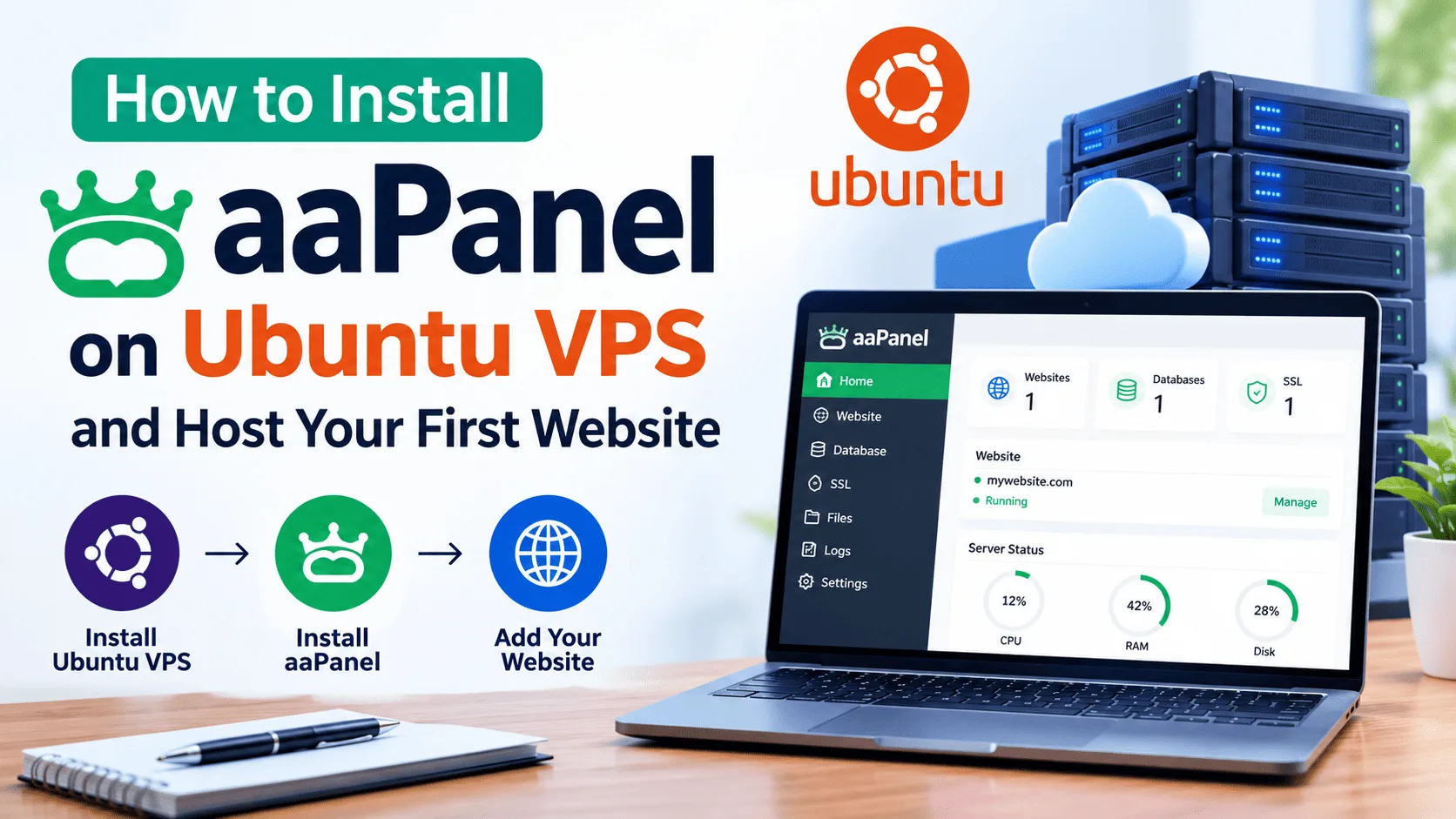
For example, developers can configure PHP versions, install Node.js applications, set up databases, or use a control panel such as aaPanel, depending on the server configuration.
2. Resources for growing websites
VPS plans come with specified CPU, RAM, and storage allocations. These resources help you choose a server suited to your workload.
However, performance also depends on the virtualization technology, CPU allocation, storage performance, software configuration, and activity on the server.
3. Room to scale
If your website starts receiving more visitors or your application needs additional resources, you may be able to upgrade your VPS plan without migrating to an entirely different hosting environment.
Check your provider's upgrade process before purchasing, as available options and downtime requirements vary.
4. Suitable for multiple projects
Agencies, freelancers, and developers often need to host multiple websites or applications. A VPS can provide a central environment for managing these projects.
The number of websites you can run depends on their resource requirements, the server configuration, and any applicable licensing limits.
5. Greater configuration flexibility
You can select a suitable operating system, install supported applications, configure security rules, and manage services according to your requirements.
This flexibility is especially useful when a project needs software that is not available on a basic shared hosting plan.
How to Choose the Best VPS Hosting in India
The best VPS hosting in India is not necessarily the cheapest plan or the one advertising the highest specifications. It is the plan that matches your website's actual needs and provides dependable support.
Here are the most important factors to compare.
1. CPU cores and processing power
The CPU handles the processing work required by your website, database, and applications.
A simple business website may need fewer resources than a WooCommerce store, a busy API, or an application running several background tasks.
When comparing plans, check:
The number of virtual CPU cores
Whether CPU resources are shared or reserved
Any CPU usage restrictions
The provider's upgrade options
Do not select a plan based only on the advertised core count. CPU allocation and the overall server environment also affect performance.
2. RAM: How much memory do you need?
RAM is important because your operating system, web server, database, and applications all consume memory.
The following table provides a starting point, not a guaranteed sizing recommendation.
| RAM | Possible use |
|---|---|
| 1–2 GB | Lightweight applications and small test projects |
| 4 GB | Small business websites and modest application workloads |
| 8 GB | Multiple websites or applications with moderate resource needs |
| 16 GB or more | Larger applications, heavier databases, or more demanding workloads |
Actual requirements vary significantly. A well-optimized website may use fewer resources than a poorly configured application with similar traffic.
If possible, monitor memory usage after deployment and upgrade when your workload requires it.
3. SSD or NVMe storage
Storage affects file access, database operations, and other disk-related tasks.
SSD storage is generally a good choice for modern hosting. NVMe storage can provide high input/output performance, depending on the hardware and configuration.
Before choosing a VPS, check:
Available storage capacity
Whether the storage is SSD or NVMe
Disk performance restrictions
Backup storage arrangements
Whether storage can be upgraded
Remember that NVMe storage alone does not guarantee a fast website. Application optimization, CPU performance, caching, and network conditions matter too.
4. Server location and network quality
If most of your visitors are in India, a server located in India may reduce network latency for those visitors.
However, location is only one factor. Routing, bandwidth, network congestion, caching, and the location of external services also influence loading times.
When comparing providers, look for:
A server location appropriate for your audience
Clear bandwidth allowances
Reliable network connectivity
Suitable DDoS protection options
The ability to test network performance
If your customers are spread across several countries, a CDN may help deliver static content from locations closer to visitors.
5. Managed vs unmanaged VPS hosting
This is one of the most important decisions to make before buying a VPS.
Unmanaged VPS hosting generally gives you greater responsibility for server administration. You may need to install updates, configure the firewall, maintain services, and investigate server errors yourself.
Managed VPS hosting typically includes some server administration from the provider. The exact support can vary, so check which tasks are included and which incur additional charges.
| Feature | Unmanaged VPS | Managed VPS |
|---|---|---|
| Server administration | Mostly your responsibility | Provider handles agreed tasks |
| Software installation | Usually self-managed | Depends on the service |
| Security updates | Usually your responsibility | May be included |
| Troubleshooting | Requires your own skills | Support depends on the plan |
| Cost | Often lower | Often higher |
If you are comfortable working with Linux and command-line tools, an unmanaged VPS may suit you.
If you run a business and do not have anyone available to maintain the server, managed VPS hosting may be a better fit.
Always confirm the scope of management before paying.
6. Server security and backups
A VPS gives you more control, but that control also comes with responsibility.
Before buying, check which security features are included and what you must configure yourself.
Important considerations include:
Firewall configuration
SSH key authentication
Strong administrator credentials
Operating system and software updates
SSL/TLS certificates
Malware monitoring where available
Automated backups or snapshots
Backup retention and restoration options
A snapshot is not always a substitute for a separate backup. For important business data, maintain an independent backup where practical and test the restoration process.
A secure server requires regular maintenance, not just a one-time setup.
7. Uptime, technical support, and service terms
A hosting provider's advertised uptime figure is useful, but you should also understand its service terms.
Look for a clearly documented uptime commitment, details of any service-level agreement, support availability, and the exclusions that apply.
Before making a decision, ask:
Is technical support available 24/7?
Which support channels are offered?
Does support include server administration?
Is migration assistance available?
What happens if the host node fails?
How are service interruptions handled?
Do not assume that 24/7 ticket availability means every issue will be resolved immediately.
How Much Does VPS Hosting Cost in India?
VPS hosting prices vary depending on CPU, RAM, storage, server location, management, operating system, licensing, and support.
A low-cost VPS may be suitable for a small project, while a production application may require more resources and a higher level of support.
When comparing prices, consider the complete cost rather than only the promotional monthly rate.
Check the following before ordering:
Monthly and annual billing options
Renewal pricing
GST and other applicable charges
Control panel licensing fees
Paid backup services
Managed support charges
Additional IP addresses, storage, or bandwidth
Migration and setup fees, if applicable
A plan that initially appears cheaper may cost more once essential extras are added.
Tip: Compare the specifications and renewal costs of at least three suitable plans before making your final decision. Prices can change, so verify the current offer on the provider's official website.
Which VPS Hosting Is Best for Your Needs?
Different projects have different hosting requirements. Use the following guide to narrow down your options.
For a small business website: Look for a modest VPS configuration, reliable support, SSL compatibility, and straightforward backup options. Shared hosting may still be sufficient if your website has limited resource requirements.
For a WordPress website: Consider RAM, PHP performance, database performance, caching, and how easily you can maintain WordPress and its plugins.
For an eCommerce store: Pay attention to database performance, memory usage, security, backups, and the ability to upgrade resources during busy periods.
For developers: Root access, operating system choices, SSH access, snapshots, and flexible configuration options may be particularly useful.
For agencies hosting multiple client websites: Check resource limits, account isolation, control panel licensing, backup arrangements, and whether your plan can accommodate the combined workload.
For business-critical applications: Evaluate managed support, recovery arrangements, monitoring, security controls, and documented service commitments.
Common VPS Hosting Mistakes to Avoid
Even a technically good VPS can become a poor choice if you select the wrong configuration or overlook important service terms.
Avoid these common mistakes:
Choosing only by price: Low-cost plans may lack the resources or support your project needs.
Ignoring renewal costs: Promotional pricing may not continue after the initial term.
Buying more resources than necessary: Overspending on unused capacity does not automatically improve your application.
Ignoring server management: Root access is useful, but you need the skills or support to maintain the server.
Skipping backups: A server failure, accidental deletion, or compromised account can result in data loss.
Assuming hosting guarantees website speed: Code quality, caching, databases, and third-party services also affect performance.
Not checking upgrade options: A growing website needs a practical path to additional resources.
A little research before purchasing can save you time, money, and unnecessary technical problems later.
Why Consider Bindass Host for Your VPS Hosting Needs?
If you are looking for a VPS to host a business website, application, or development project, start by identifying your resource requirements and preferred level of server management.
At Bindass Host, you can explore the available hosting options and compare the specifications that matter to your project.
Before selecting a plan, review its:
CPU, RAM, and storage allocation
Operating system and root access options
Network and bandwidth limits
Backup and security arrangements
Technical support coverage
Upgrade options and billing terms
Choose a configuration based on your real workload rather than paying for resources you do not need.
Ready to find the right server for your project?
Visit Bindass Host to explore the available hosting services and choose an option that fits your website or application.
Frequently Asked Questions About VPS Hosting in India
1. Which is the best VPS hosting in India?
The best VPS hosting in India depends on your budget, server requirements, target audience, and technical experience. Compare CPU, RAM, storage, network quality, support, security, and renewal pricing before selecting a provider.
2. Is VPS hosting better than shared hosting?
VPS hosting generally provides more control and defined resource allocations than traditional shared hosting. However, shared hosting can be more economical and easier to manage for smaller websites. Choose VPS hosting when you need the additional flexibility or resources.
3. How much RAM is required for VPS hosting?
A small project may work with 1–2 GB of RAM, while multiple websites or more demanding applications may require 4 GB, 8 GB, or more. Monitor your application's actual resource usage to determine the appropriate configuration.
4. Is VPS hosting suitable for WordPress?
Yes. VPS hosting can run WordPress and WooCommerce websites. You will need to choose a suitable server configuration and maintain the operating system, web server, database, WordPress installation, and security settings.
5. Is managed VPS hosting worth the extra cost?
Managed VPS hosting may be worthwhile if you do not have the time or technical knowledge to administer a server. Review the provider's exact management and support commitments before purchasing.
6. Can I host multiple websites on one VPS?
Yes, provided the server has enough resources and is configured correctly. Separate websites may require different PHP versions, databases, security settings, or other software. Make sure your configuration and licences support your intended setup.
7. Does VPS hosting improve website speed?
It can improve performance when a website is limited by its existing hosting resources. However, faster hosting alone cannot fix every performance problem. Caching, application code, database queries, images, and network conditions all matter.
8. Do I need technical knowledge to use a VPS?
For an unmanaged VPS, you should understand basic server administration, updates, firewall configuration, backups, and troubleshooting. Managed VPS hosting can reduce this workload, depending on the services included.
Final Thoughts
Choosing the right VPS is about finding a balance between performance, price, reliability, security, and ease of management.
Start by understanding what your website needs today, then choose a provider that offers a sensible upgrade path as your project grows. Pay attention to renewal pricing, backup arrangements, support terms, and server management responsibilities instead of focusing only on headline specifications.
Whether you are moving beyond shared hosting, launching a new application, or managing several business websites, the right VPS configuration can give you greater control over your hosting environment.
Take time to compare the available options, understand the service terms, and choose a plan that supports your long-term goals.
Need help choosing a plan?
Our team will recommend the right hosting for your site — no jargon, no pressure.